
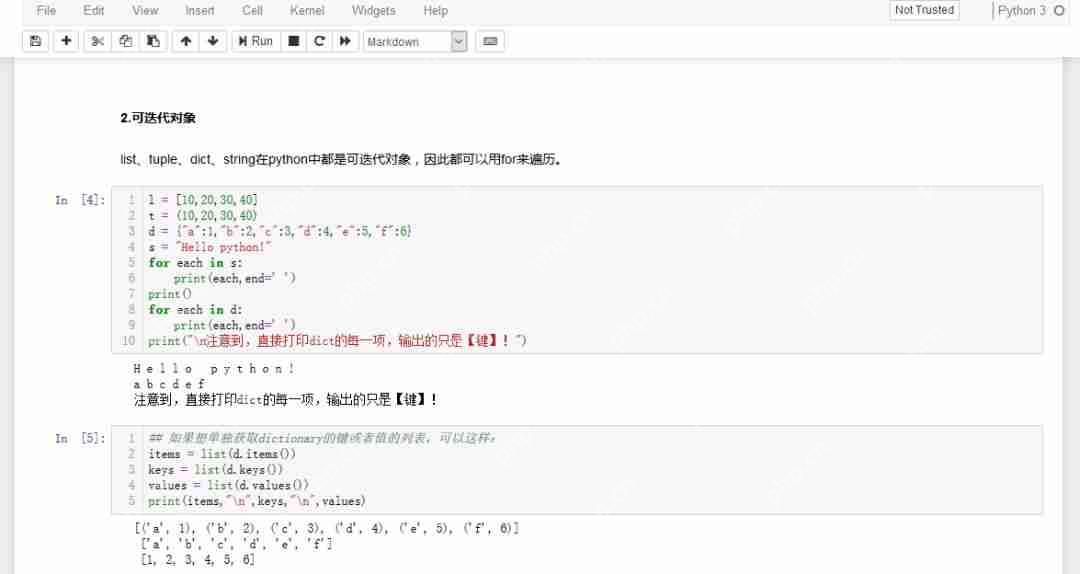

【jupyter notebook默认样式】
一、Jupyter Notebook样式美化
当时觉得jupyter notebook难看的时候,我就寻思有没有大神做过某些工具来更改样式,毕竟肯定不止我一个人觉得丑,程序员越牛逼,往往Ta就越挑剔。果不其然,经过网上的一番搜索之后,在GitHub上发现了某位大佬的开源项目——jupyterthemes!

GitHub地址:https://github.com/dunovank/jupyter-themes
安装步骤:
当然,前提是你已经安装过了jupyter notebook!如果没有的话,就直接安装Anaconda吧,里面自带了jupyter notebook。
在cmd中使用pip安装:
代码语言:javascript代码运行次数:0运行复制
# install jupyterthemespip install jupyterthemes# upgrade to latest versionpip install --upgrade jupyterthemes
登录后复制
文章来自互联网,只做分享使用。发布者:,转转请注明出处:https://www.dingdanghao.com/article/849638.html


